
A Smarter Way to Embed Videos on WordPress
Explore the features designed to provide your users an unforgettable content-watching experience.
Playback & Viewing Control
Take Full Control of Video Playback
Define how videos behave on the page, across devices, and during playback.
Multiple Media Sources
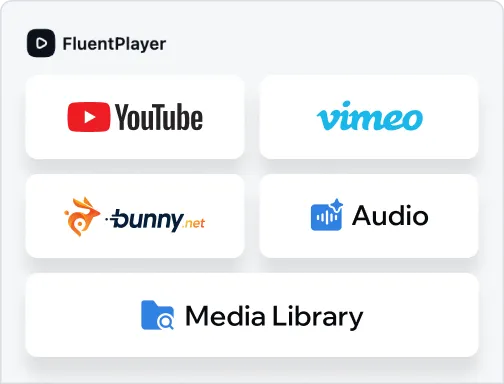
Use FluentPlayer with self-hosted videos, YouTube, Vimeo, audio files, and more while keeping playback behavior consistent across all sources.
Customizable Player Presets
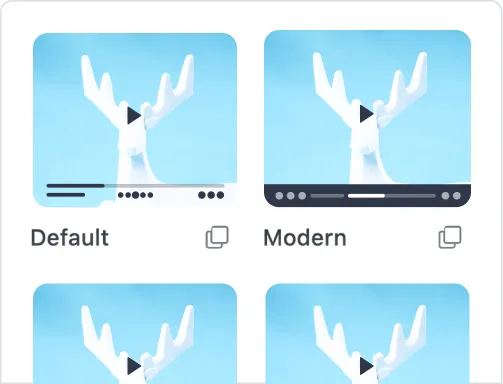
Create and save your own player presets to reuse across pages and videos. This helps maintain consistent behavior while reducing repetitive setup work.
Remember Playback Position
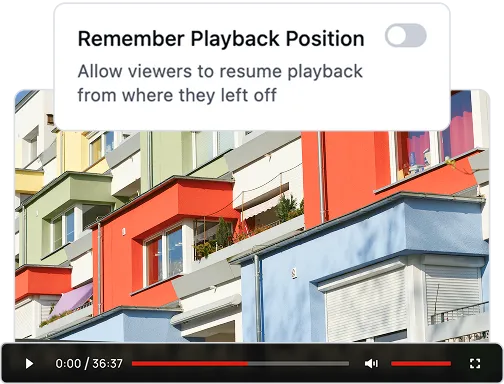
Videos remember where viewers stopped and allow them to continue from the same point when they return. Useful for long videos and tutorials.
Autoplay
Start videos automatically, either muted or with sound.
Speed Control
Let viewers adjust playback speed to match their preferred pace.
Picture-in-Picture
Let viewers continue watching while browsing other areas of the page.
Inline Mobile Playback
Keep videos playing right on the page without triggering full-screen mode.
Progress Bar
Display clear playback progress so viewers can track their position.
Text/Button Overlays
Display text or CTA buttons inside the video at the right moment.
Structure & Navigation
Make Videos Easier to Follow and Finish
Make long videos and multi-video content easier to follow and complete.
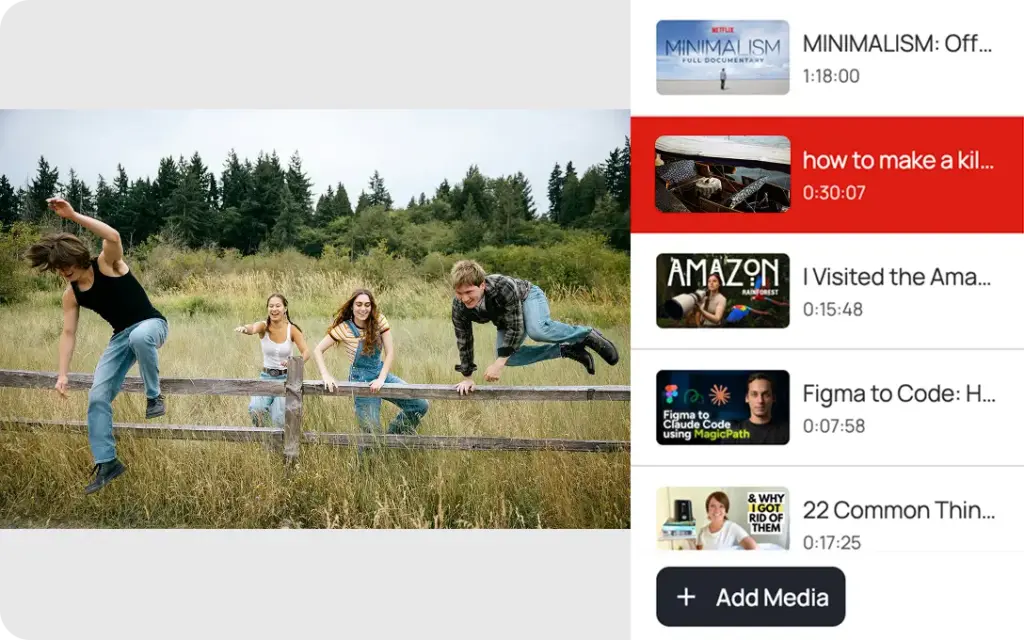
Video Playlist
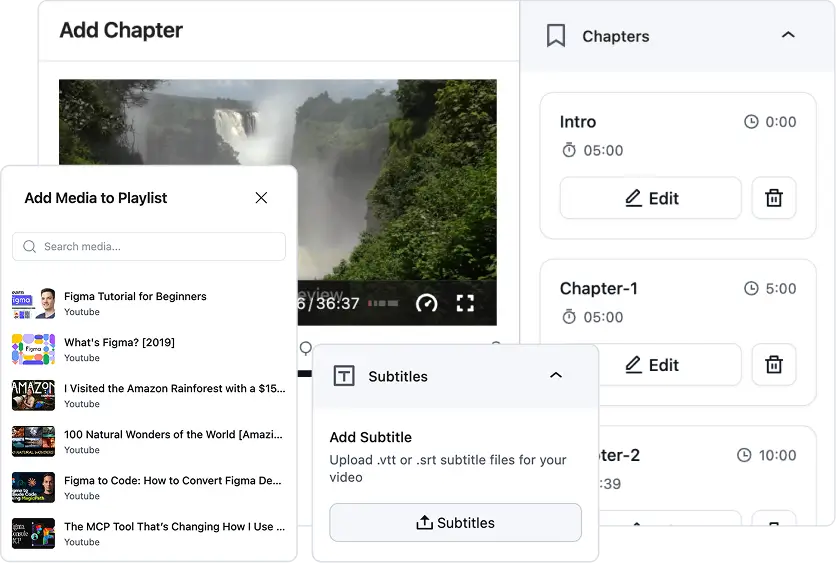
Organize multiple videos into structured playlists without re-uploading media. FluentPlayer supports different playlist layouts and tracks viewing progress across videos.
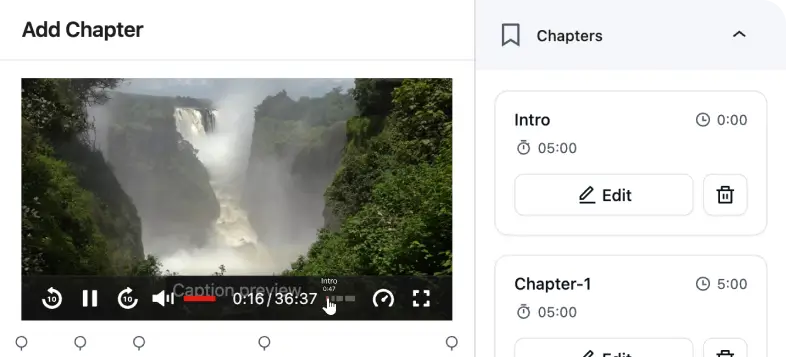
Video Chapters
Split long videos into chapters so viewers can jump directly to specific sections.
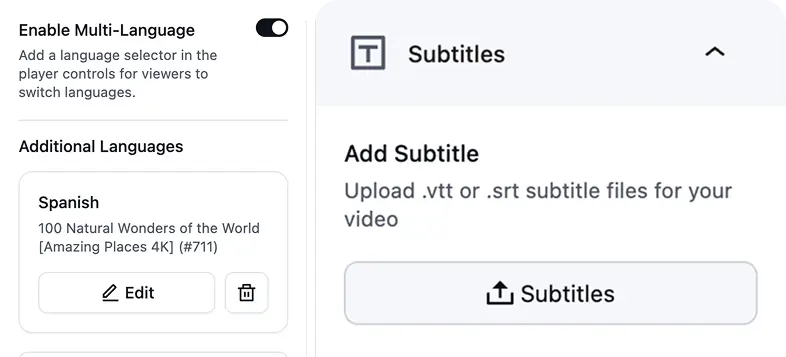
Subtitles & Language Switching
Add subtitle files to videos and allow viewers to switch languages directly in the player.
Interaction & Engagement
Turn Videos into Conversion Tools
Go beyond basic embeds with interactive elements, custom branding, and detailed analytics.
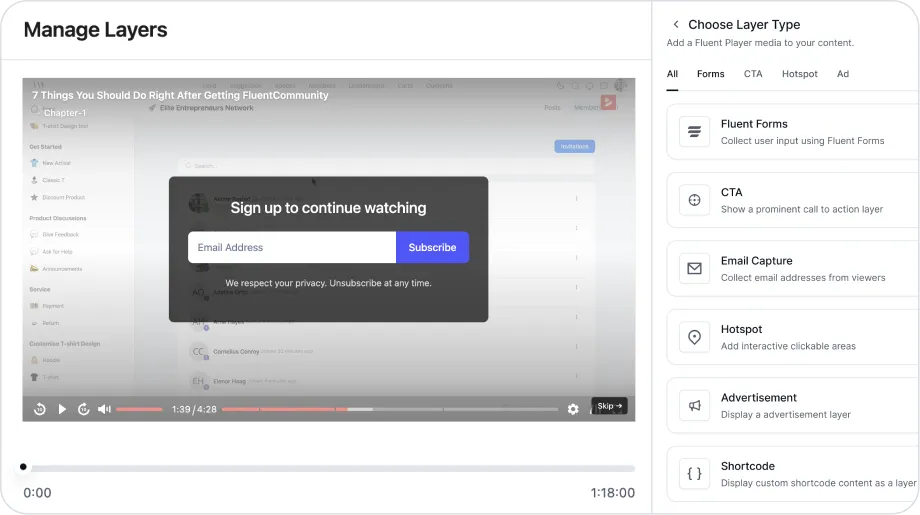
Interactive Layers
Add interactive layers directly inside videos and control exactly when they appear. This allows you to place actions inside the video experience without interrupting playback.
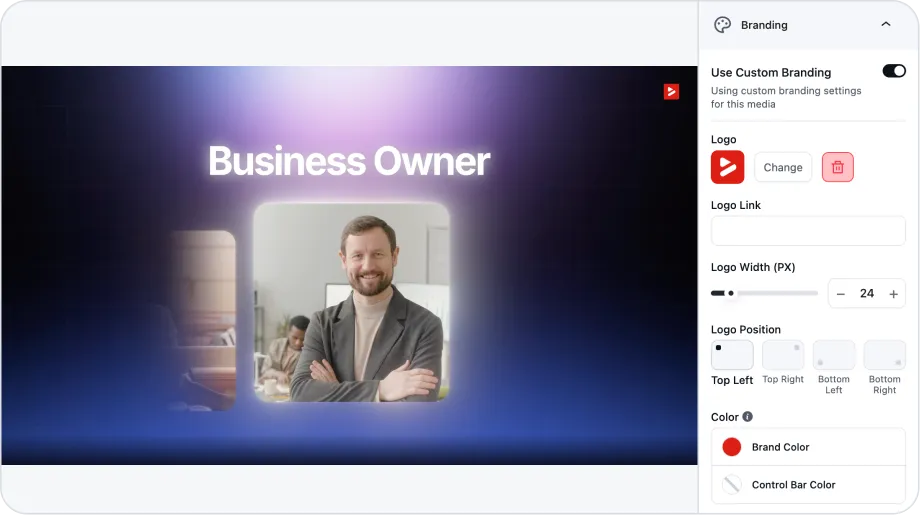
Custom Branding
Upload your logo and customize brand and control bar colors to make sure the video player blends naturally into your layout while maintaining consistent branding across pages.
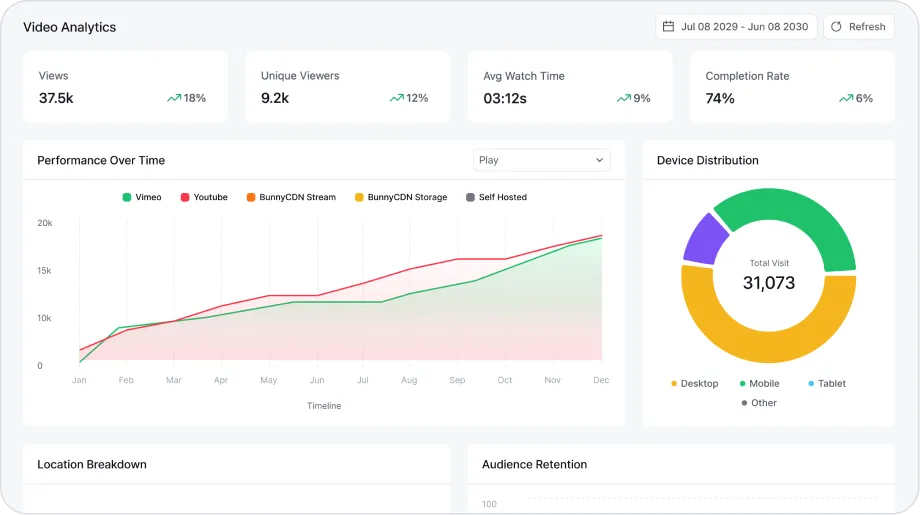
Video Analytics
Track how viewers interact with your videos and playlists by measuring total views, average watch time, unique viewers, top performing videos, watch time trend, and more.
Why Basic Video Embeds Fall Short
Basic YouTube and Vimeo embeds are great for hosting. But they weren’t built for control, engagement, or conversion on your site.
Want a deeper comparison? See how FluentPlayer stacks up against other WordPress video plugins on the Comparisons page.
Built to Work Seamlessly with the Fluent Ecosystem
Already using WPManageNinja products? FluentPlayer connects natively with them.

Email Capture to CRM
Turn viewers into contacts while they watch. Email captures and in-video interactions sync directly with FluentCRM, ready for segmentation and automation.

Forms Inside Video
Use Fluent Forms inside your videos to capture leads, registrations, or even accept payments, without sending users to another page.

Video in Community
Publish videos inside FluentCommunity spaces with full player functionality, smoother member journeys, and a more cohesive viewing experience.
Get early access to
FluentPlayer: The Next-Generation Video Player
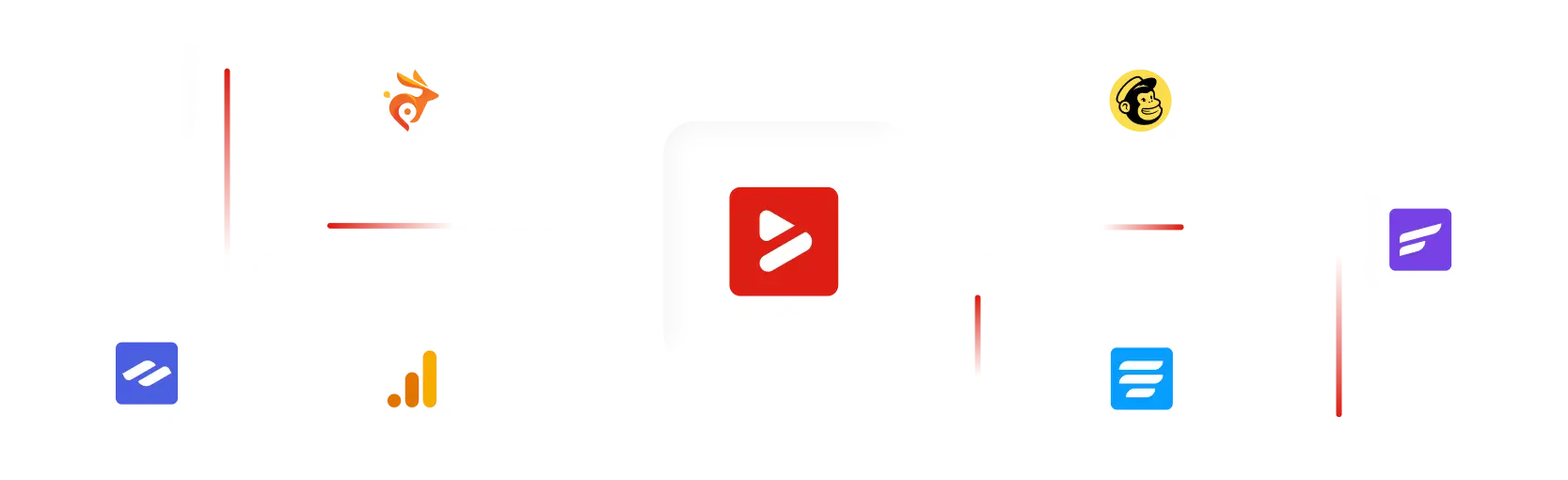
Works with the Tools You Already Use
FluentPlayer is designed to fit into your existing WordPress setup instead of forcing you to change how you work.
All Features at a Glance
Explore all the features of FluentPlayer that give you full control over playback, branding, performance, and user experience.
Playback
Engagement
Navigation
Performance
What Users are Saying about FluentPlayer
Listen from the real users who are already seeing the difference – better playback, deeper engagement, and more control.

Dragan STAMENKOVIC
CEO at Sdravobiz SRL
C’est un outil qui va booster l’interaction avec des messages incrustés et surtout c’est une plateforme de data pour analyser les actions de vos utilisateurs et devenir un véritable outil décisionnel.

Jimmy Tavares
Owner at The Webonaut
It will for sure be a game-changer for me and I can’t wait for the official release so I can start setting it up on my live site!

Augustine Mak
Director at MAKETA Media
It looks like it’s going to be a really nice plugin and it has a cool set of features that I wanted to show you.

Paul Charlton
Owner at WPTuts
There’s plenty of different things you can do inside here, including short codes, hotspots, and so on. So from a marketing point of view, this is super useful.

David McCan
Owner at WebTNG
These interactive layer features are pretty cool. You can have a link in the middle of the video to take someone to a resource or something like that.
Frequently Asked Questions
Here are some of the most commonly asked questions about FluentPlayer answered.