
Connect FluentPlayer with the Tools You Already Use
FluentPlayer integrates with the tools you already use for email marketing, video delivery, community, and more.
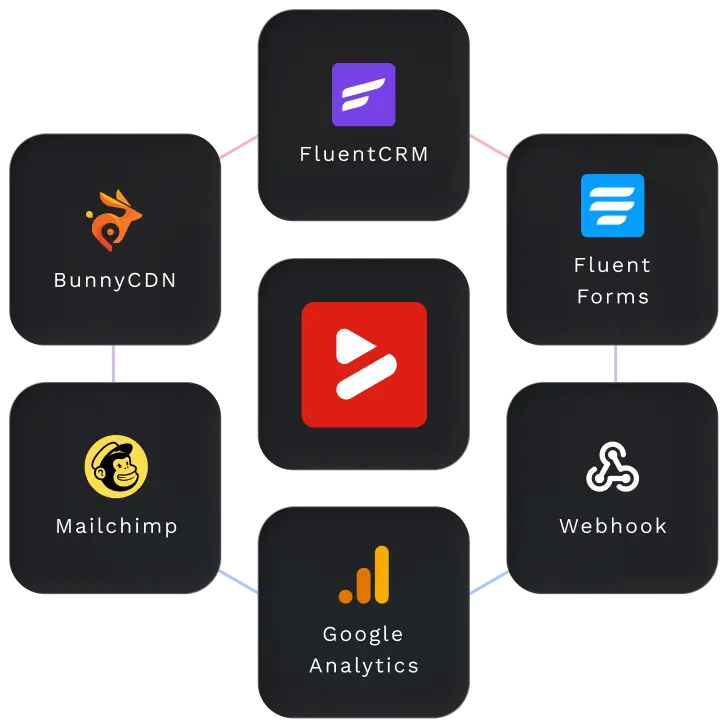

BunnyCDN
Deliver videos through Bunny Stream and Bunny Storage while maintaining consistent playback behavior.

Mailchimp
Automatically capture email addresses directly from in-video layers and connect them to Mailchimp lists.


Webhook
Connect FluentPlayer with custom workflows, CRMs, or third-party services beyond native integrations.

Google Analytics
Track user engagement data and combine video performance insights with your overall website analytics.
Free

FluentCommunity
Embed videos inside community spaces to support learning, onboarding, and gated content experiences.


Connect BunnyCDN to FluentPlayer
If you’re hosting videos on BunnyCDN, FluentPlayer connects to it directly. Your content streams through Bunny’s global delivery network and plays through FluentPlayer on your WordPress site, with consistent speed and quality for every visitor regardless of their location.
For businesses where video performance is part of the product experience, this combination gives you full control over both delivery and playback from a single setup. Your hosting infrastructure and your player work as one.
Connect Mailchimp to FluentPlayer
FluentPlayer lets you place an email opt-in form directly inside your video, at whatever point you choose. When a viewer submits, their details are automatically added to your Mailchimp list. No separate form somewhere else on the page, no manual exports, no steps in between.
For WordPress site owners using video to grow an audience, this turns every video into a list-building touchpoint without adding any complexity to your setup. The opt-in becomes part of the viewing experience rather than a separate ask after it ends.
Connect FluentCRM to FluentPlayer
FluentCRM and FluentPlayer are both built by WPManageNinja, and that shared origin is what makes this integration different from a standard plugin connection. When a viewer fills out a capture form in your video, their details are sent directly to FluentCRM in real time, with no third-party bridge, no manual import, and no sync delay.
For businesses running their contact management inside WordPress, this keeps your entire pipeline in one place. Your video, your capture form, and your CRM all operate from the same core, which means every lead your content generates is immediately available to act on.
Connect Webhook to FluentPlayer
Webhooks let FluentPlayer send data to other tools the moment something happens in your video. A viewer watches to completion, submits a form, or reaches a specific point and your connected tool receives that information instantly and responds to it.
This is the integration to use when you want FluentPlayer to fit into a workflow you’ve already built, or when you need to connect it to a tool that isn’t on the native integrations list. It works with most CRMs, automation platforms, and custom applications.
Connect Google Analytics to FluentPlayer
This integration sends your video engagement data into Google Analytics, where it sits alongside your traffic, conversions, and user journey data. Watch time, engagement, and audience retention – all become part of the same reporting you already use to understand your site.
For WordPress site owners making content decisions based on data, this means video is no longer a separate blind spot. You see exactly how viewers engage with each video, which content holds attention, and where people stop watching.
Connect FluentCommunity to FluentPlayer
FluentCommunity is part of the WPManageNinja product suite, which means its connection to FluentPlayer goes deeper than a typical third-party integration. Video embeds natively inside your community spaces with full player functionality intact, and members watch content, follow learning paths, and access gated material without ever leaving the community environment.
For membership businesses and course creators building on WordPress, this means your video content and your community run as one system rather than two platforms patched together. Members who never get pulled out of your environment are more likely to stay engaged, return, and complete what they started.
Connect Fluent Forms to FluentPlayer
Fluent Forms is part of the WPManageNinja ecosystem, and its integration with FluentPlayer reflects that. Any form you’ve already built in Fluent Forms can be placed directly inside a video as an interactive layer, with full field logic and conditional rules working exactly as configured. This also includes payment forms, so purchases and registrations can be completed inside the video without sending viewers anywhere else.
For WordPress site owners collecting leads, registrations, or feedback through video, this means your forms and your player operate as a single system. Every new video you publish can carry a form without any additional configuration work per video.
Connect Mux to FluentPlayer
If you use Mux for your video infrastructure, FluentPlayer integrates with it directly. Your content leverages Mux’s professional-grade encoding and optimized delivery network to play through FluentPlayer on your WordPress site. This ensures your viewers receive high-definition, adaptive bitrate streaming that adjusts in real-time to their connection, providing buffer-free playback globally.
For platforms where every millisecond of performance and every pixel of quality matters, this integration bridges the gap between sophisticated video APIs and your user interface. It turns your technical infrastructure and your front-end player into a single, cohesive engine for video delivery.
Get early access to
FluentPlayer: The Next-Generation Video Player
All Features at a Glance
Explore all the features of FluentPlayer that give you full control over playback, branding, performance, and user experience.
Playback
Engagement
Navigation
Performance
What Users are Saying about FluentPlayer
Listen from the real users who are already seeing the difference – better playback, deeper engagement, and more control.

Dragan STAMENKOVIC
CEO at Sdravobiz SRL
C’est un outil qui va booster l’interaction avec des messages incrustés et surtout c’est une plateforme de data pour analyser les actions de vos utilisateurs et devenir un véritable outil décisionnel.

Jimmy Tavares
Owner at The Webonaut
It will for sure be a game-changer for me and I can’t wait for the official release so I can start setting it up on my live site!

Augustine Mak
Director at MAKETA Media
It looks like it’s going to be a really nice plugin and it has a cool set of features that I wanted to show you.

Paul Charlton
Owner at WPTuts
There’s plenty of different things you can do inside here, including short codes, hotspots, and so on. So from a marketing point of view, this is super useful.

David McCan
Owner at WebTNG
These interactive layer features are pretty cool. You can have a link in the middle of the video to take someone to a resource or something like that.
Frequently Asked Questions
Here are some of the most commonly asked questions about FluentPlayer answered.