
FluentPlayer vs HTML5 Video Player: A Perspective on Where Native Video in WordPress Is Heading
Most WordPress video player comparisons focus on feature checklists. This one won’t.
FluentPlayer hasn’t launched yet. Comparing checkboxes against an established plugin would be premature and unfair. But philosophy? That’s already clear.
Here’s the simplest way to understand the difference:
HTML5 Video Player answers: “How do I make the video behave exactly the way I need it to?”
FluentPlayer answers: “What should happen while someone is watching?”
One is about playback. The other is about outcomes. Neither is wrong. They’re solving different problems.
Let me show you what I mean.
TL;DR
- HTML5 Video Player is built for reliable playback across formats, devices, and streaming protocols.
- It focuses on precise control over how video behaves, from chapters and watermarks to sticky playback and quality switching.
- FluentPlayer is being built around outcomes, not just playback.
- Its core idea is to turn video into an interactive, trackable, and lead-generating part of a WordPress site.
- Instead of external dashboards or rented platforms, FluentPlayer keeps video native, owned, and connected to your CRM and email tools.
- If you need mature, battle-tested playback today, HTML5 Video Player fits that role.
- If you want video to behave like a measurable page or funnel, FluentPlayer is the direction to watch.
Overview of FluentPlayer vs HTML5 Video Player
Before we jump into the full comparison, let’s see how much FluentPlayer is offering compared to the existing player:
|
Feature |
FluentPlayer |
HTML5 Video Player |
|---|---|---|
|
Email Capture Inside Player |
✓ |
— |
|
Native CRM Integration |
✓ |
— |
|
Interactive Overlays (Hotspots, CTAs) |
✓ |
✓ |
|
Retention & Completion Analytics |
✓ |
— |
|
Lazy Loading |
✓ |
— |
|
HLS Streaming |
✓ |
✓ |
|
Password Protection |
— |
✓ |
|
Sticky Player |
— |
✓ |
Many more features are yet to come. But we have this list right now so that you stay informed on what to expect from the start.
Stay updated on free vs. pro, pricing & beta.
What HTML5 Video Player does well
HTML5 Video Player is built for playback reliability.
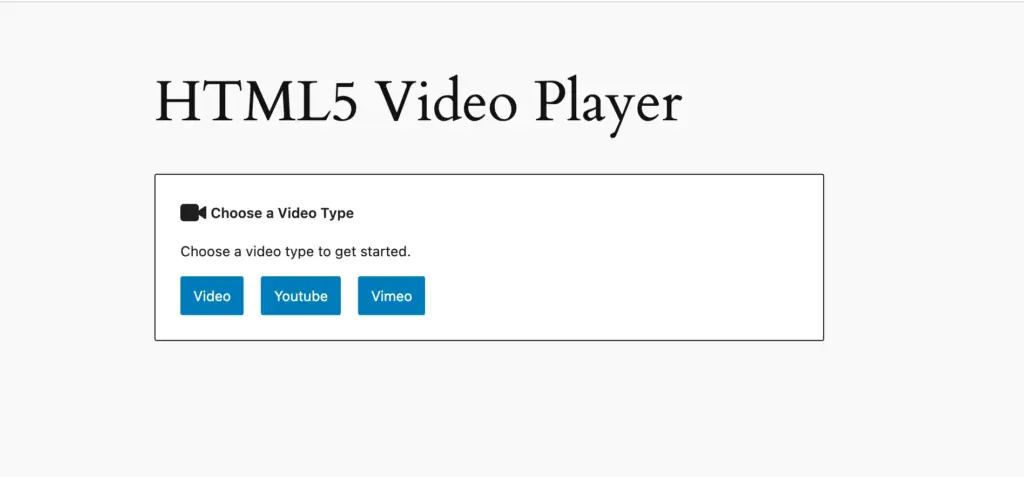
It supports HLS and DASH streaming, self-hosted files, external URLs, and YouTube/Vimeo embeds. If your site depends on specific streaming protocols or edge-case format support, that coverage matters.
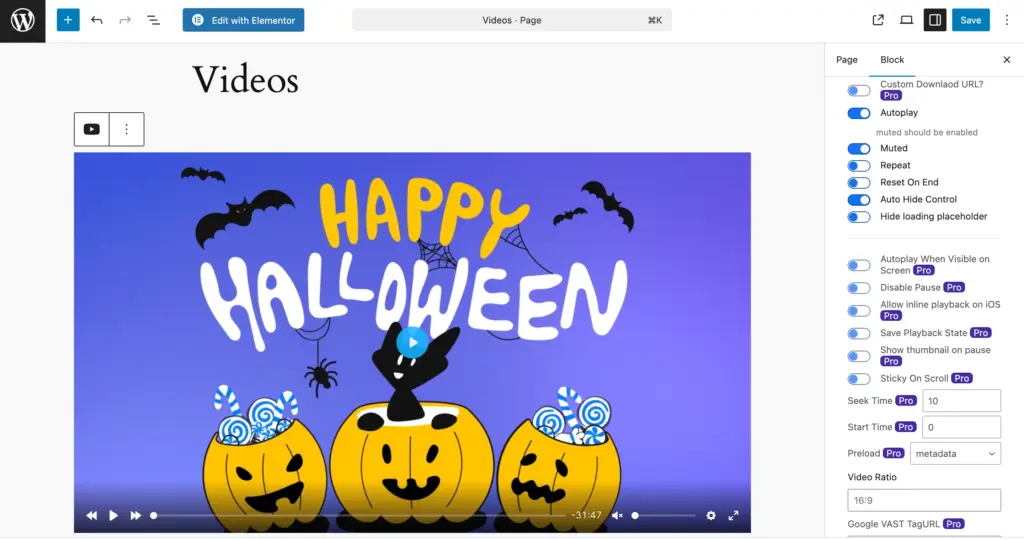
Playback controls are thorough: sticky players, resume playback, chapters, speed control, dynamic watermarks, inline playback on iOS. These are practical features for content libraries and long-form video.
Analytics focus on the basics – view counts, watch time, completion rates. Clean and straightforward.
If your priority is making video work correctly across devices, formats, and environments, HTML5 Video Player handles that well. It’s a mature tool built for playback correctness.
What FluentPlayer is built for
FluentPlayer feels like it’s being built with a forward-looking mindset. Even at this early stage, some design choices clearly signal what kind of problems it wants to solve.
WordPress has sophisticated analytics for forms, emails, and pages. But video? Most sites still treat it like a file attachment. Upload, embed, hope someone watches. No connection between video content and business outcomes.
FluentPlayer is being built to close that gap.
Native WordPress architecture
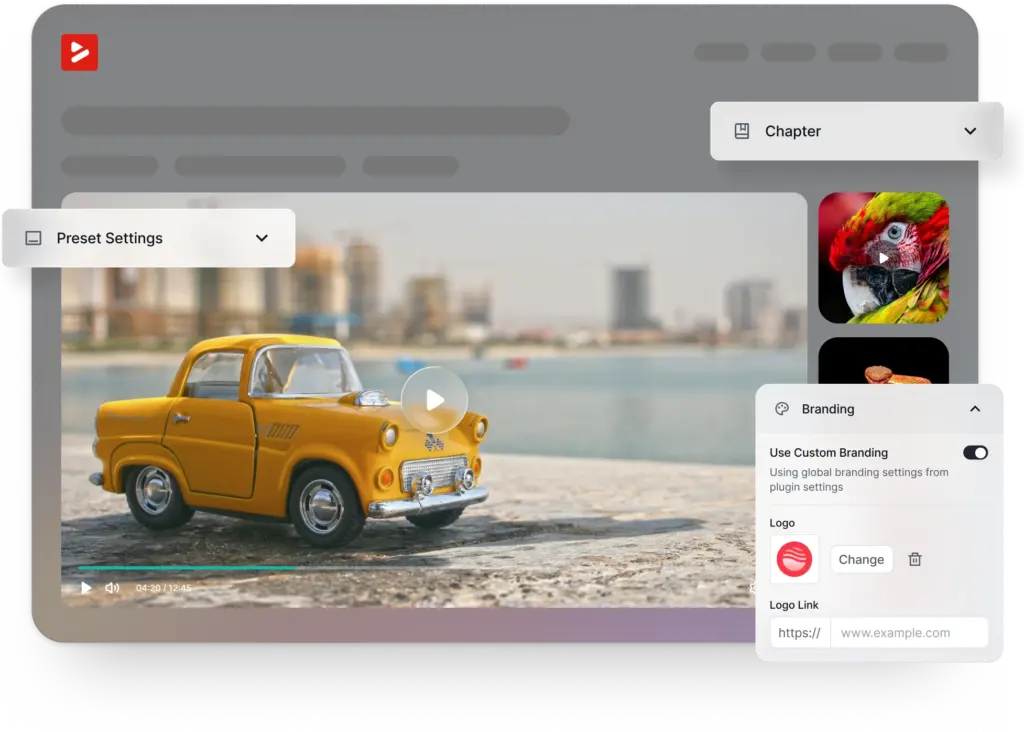
One of the first things that stands out is how native the player feels inside WordPress. The player is inserted directly through Gutenberg or shortcodes, and configuration happens inline.
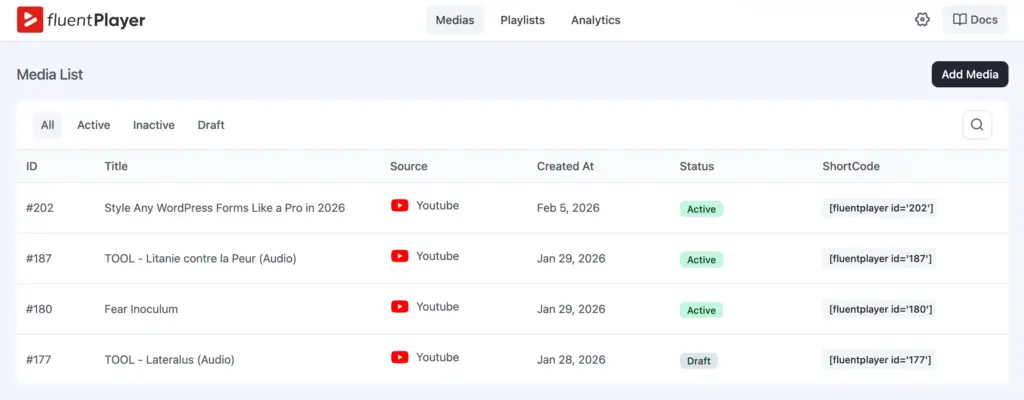
You’re not jumping between dashboards or dealing with embedded iframes that behave differently depending on the source.
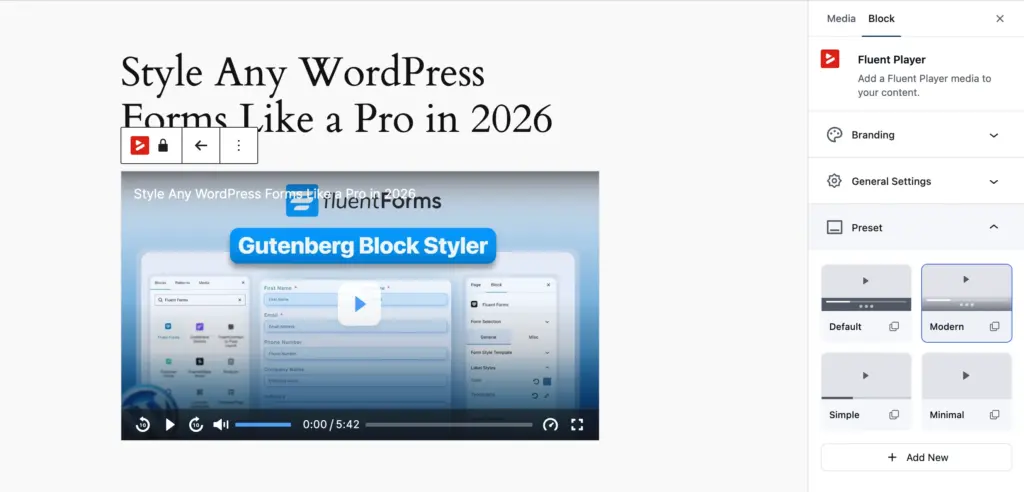
Interactive layers as core
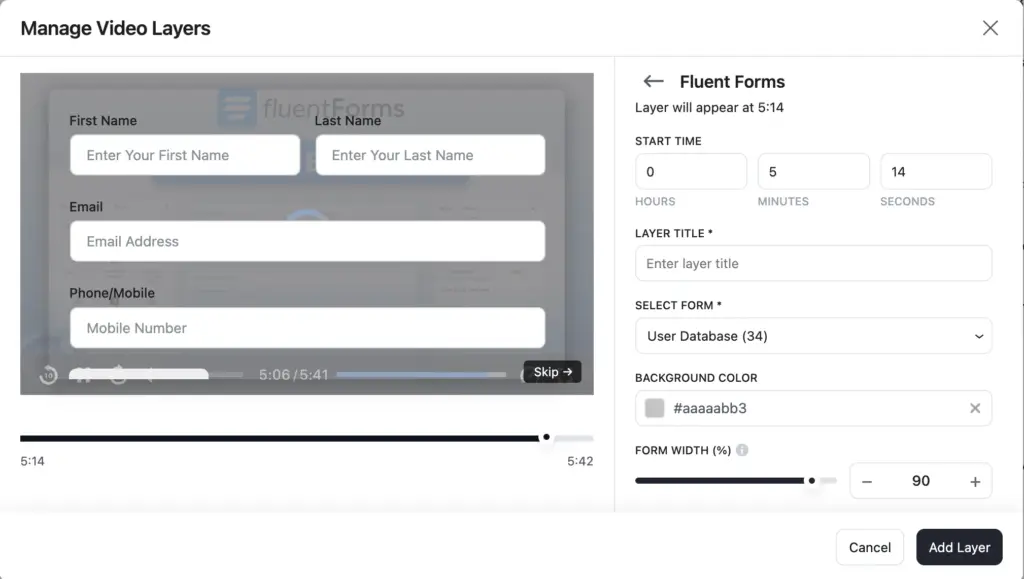
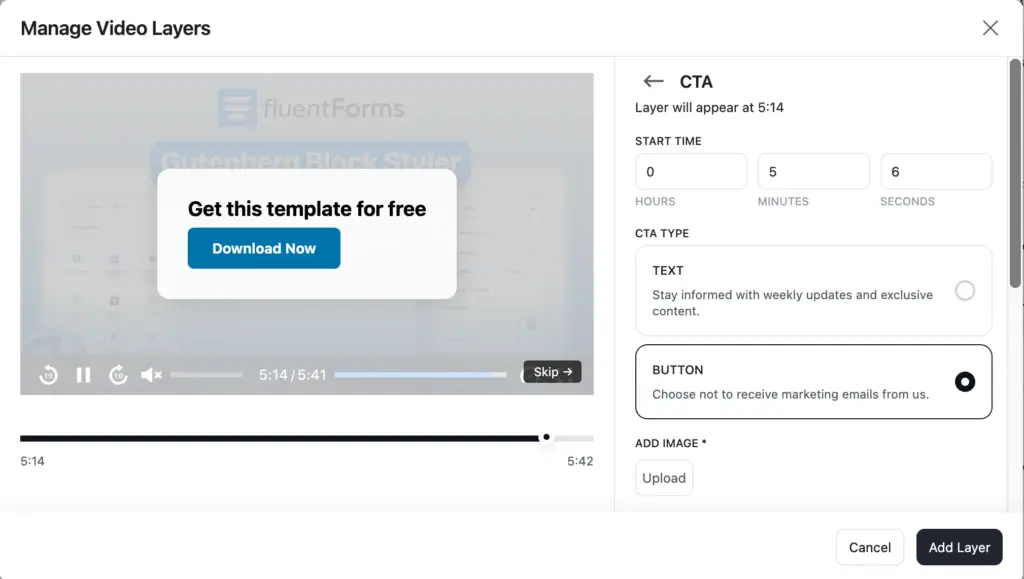
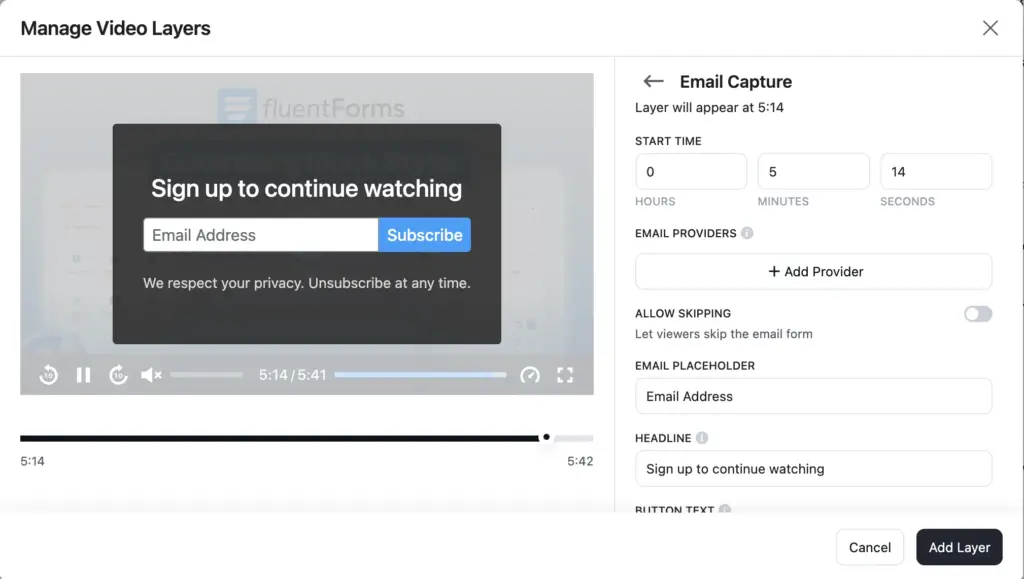
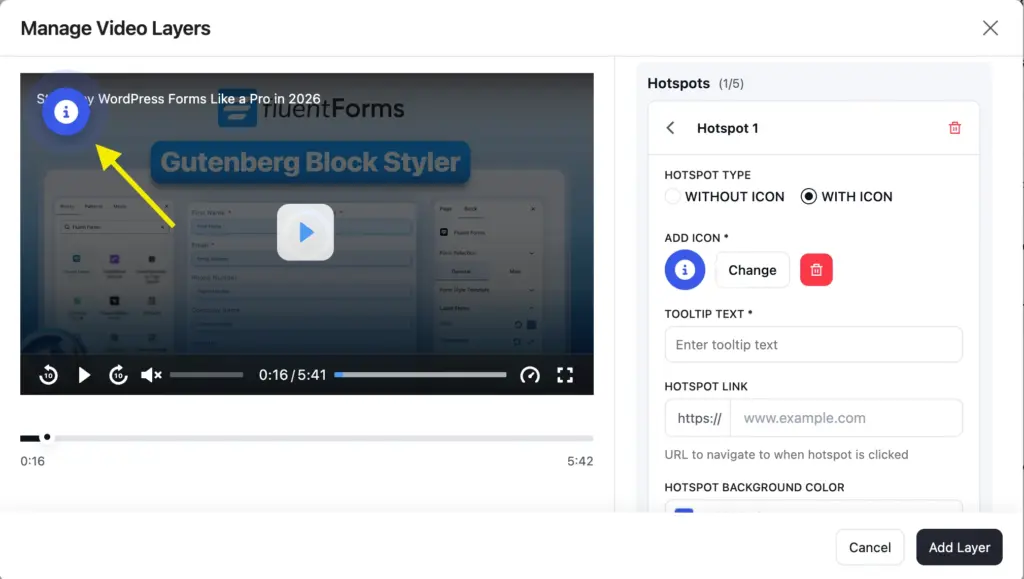
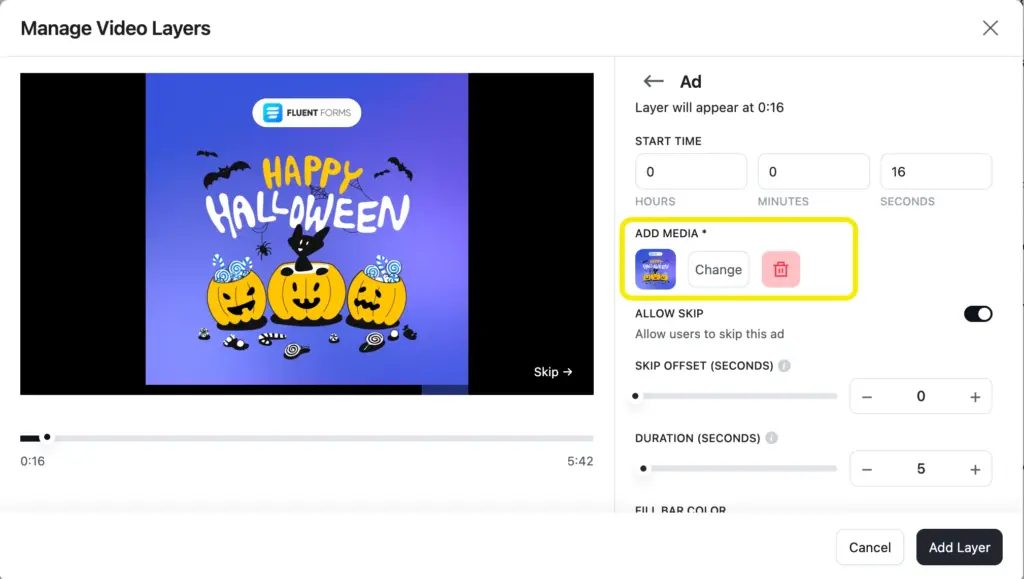
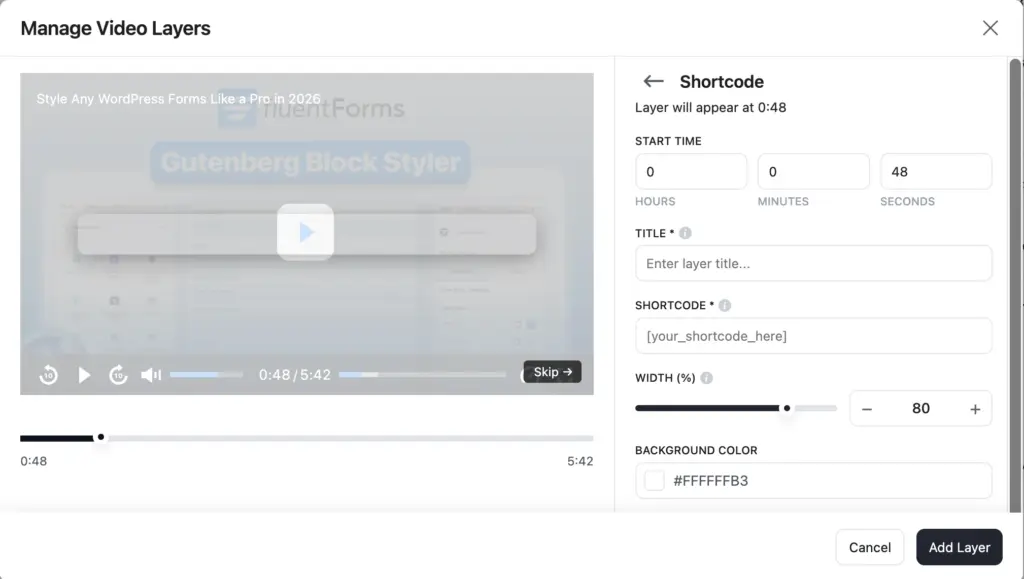
Another feature worth highlighting is interactive layers. FluentPlayer treats CTAs, hotspots, and timed layers as core elements, not add-ons. You can place interactions directly on the video timeline, which changes how video content is used. Instead of ending with a “go here next” instruction, the action happens inside the player.
All layers
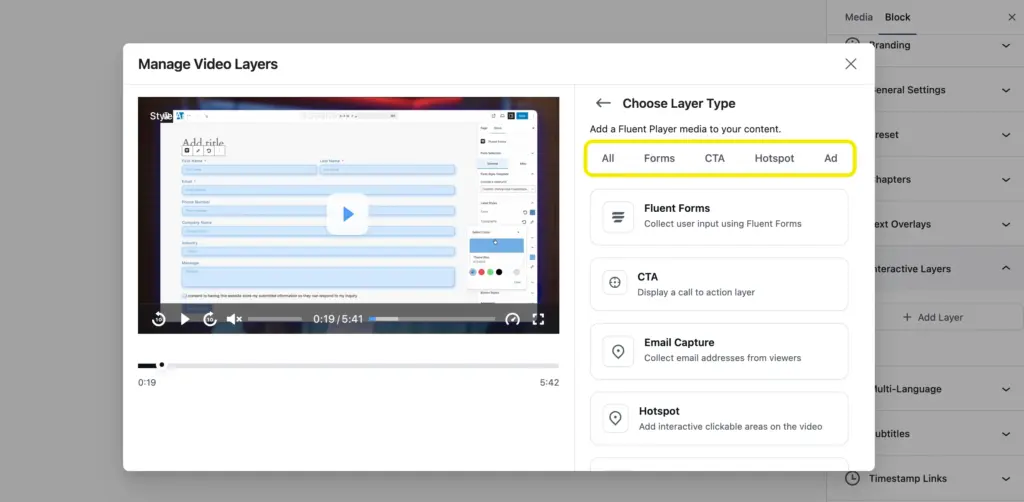
Form layer
CTA layer
Email layer
Hotspot layer
Ad layer
Shortcode layer
Email capture that connects
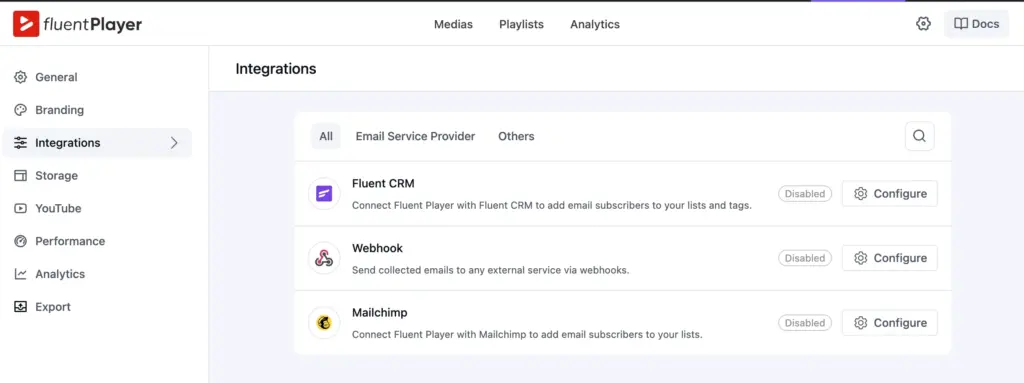
The email capture flow is also notable, especially because it connects directly with FluentCRM and WP Mail in the free tier. This makes video feel less like a content asset and more like a functional step in a funnel. You’re not exporting leads manually or relying on third-party connectors just to collect an email.
Ecosystem advantage
Integrations are what turn a video player into a workflow engine. Instead of exporting data, sorting leads, and manually moving people between tools, everything connects automatically.
HTML5 Video Player integrates with LMS platforms, membership plugins, page builders, CRMs, and other third-party tools. It covers a wide range of use cases.
FluentPlayer takes a different route. It connects directly with the WPManageNinja ecosystem. Because these tools are built and maintained by the same team, the integrations are native and frictionless. No glue code. No patchwork connectors.
Let’s see how:
FluentCRM integration: Emails collected inside a video are instantly added to your CRM. From there, you can segment, automate, and nurture leads with personalized campaigns.
Fluent Forms integration: You can display a form at any moment in the video timeline. Capture lead data, process payments, or even sell premium content without redirecting users away from the player.
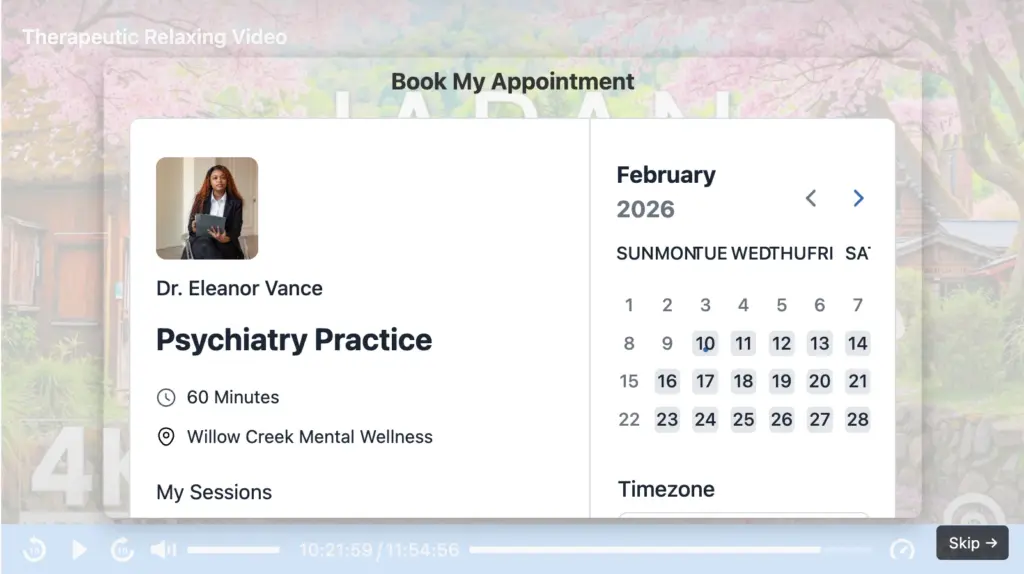
FluentBooking integration: Embed your booking calendar directly inside the video so viewers can schedule a one-on-one or group session while engagement is at its peak.
FluentCommunity integration: Add a call to action that invites viewers into your community space. They can discuss, ask questions, and continue the conversation. You can also embed FluentPlayer media inside your course lessons to keep everything connected.
The bigger idea is automation. Once your flows are configured, video becomes part of your nurturing system. Leads move through forms, bookings, emails, and communities without manual handling. You set it up once, and the system keeps working in the background.
Playlist architecture for journeys
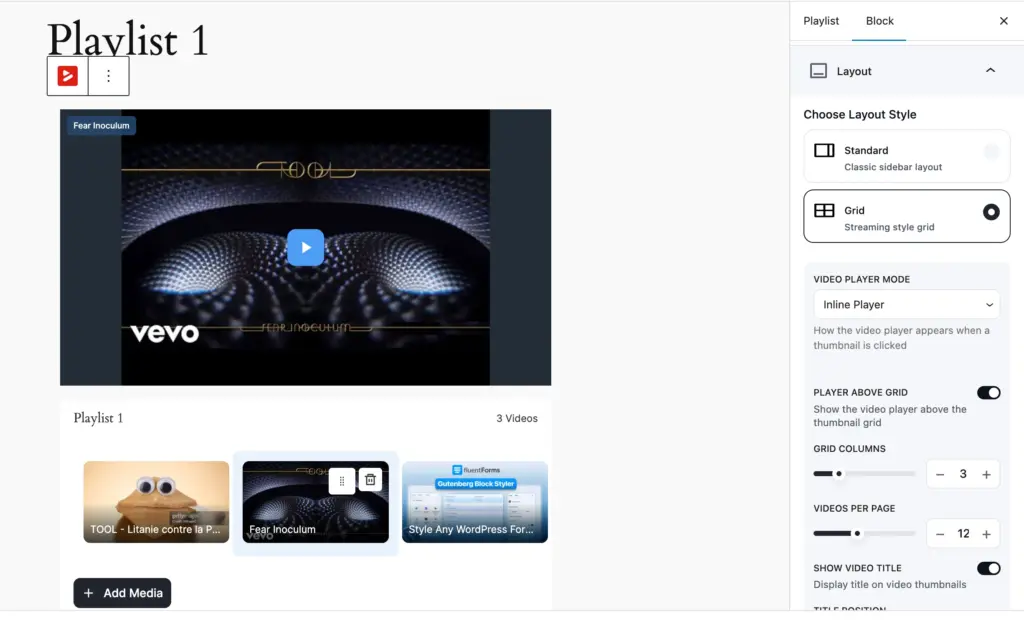
Another subtle but important detail is playlist architecture. FluentPlayer is not treating playlists as a visual grouping alone. Modal playlists, sidebar playlists, and grid layouts are designed as navigation layers.
Combined with planned progress tracking and sequential locking, this points toward long-form learning or content journeys rather than isolated videos.
Captions and accessibility are also handled thoughtfully. Language switching is available in the free tier, which removes friction for multilingual sites. While searchable captions are not present yet, the structure already supports future expansion without reworking the player core.
Ownership, not rental
Most WordPress sites still rely on YouTube embeds. They work, but you’re renting that experience. Related videos that send visitors elsewhere. Branding that isn’t yours. An algorithm deciding what plays next.
The Bunny.net integration strengthens FluentPlayer’s ownership-first philosophy.
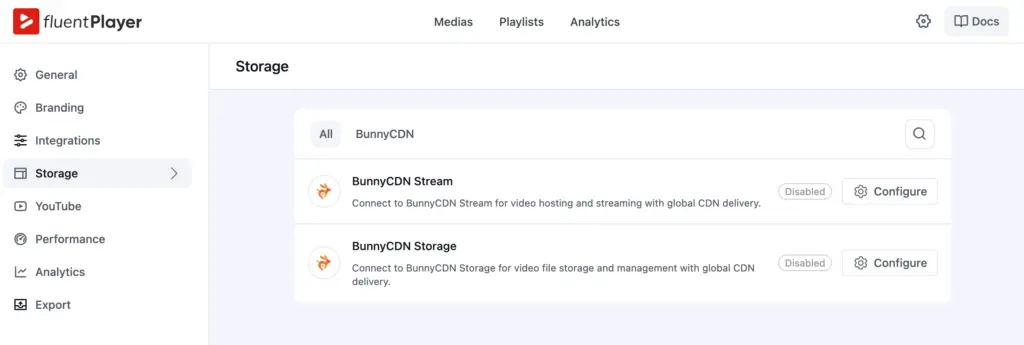
Instead of forcing creators to rely on YouTube or third-party embeds, FluentPlayer connects directly with Bunny’s Streaming and Storage services.
That means:
• Video files can live in optimized global storage
• Streaming is delivered through edge locations worldwide
• Playback remains smooth without platform branding
• Your data stays yours
Bunny Streaming handles adaptive delivery and performance. Bunny Storage ensures your media remains scalable and secure.
FluentPlayer is built around ownership. Your video, your data, your experience. No platform middleman.
WordPress-first performance
Lazy loading is present. AJAX compatibility is built in. Asset optimization is on the roadmap. The architecture assumes WordPress performance constraints from day one, not as an afterthought.
Combined with a Vue-based stack, this points toward scalability as a long-term goal.
These aren’t headline features. They’re signals about what kind of tool FluentPlayer is becoming.
Analytics that show what’s working
Most players give you a view count and call it a day. FluentPlayer shows you what to do next.
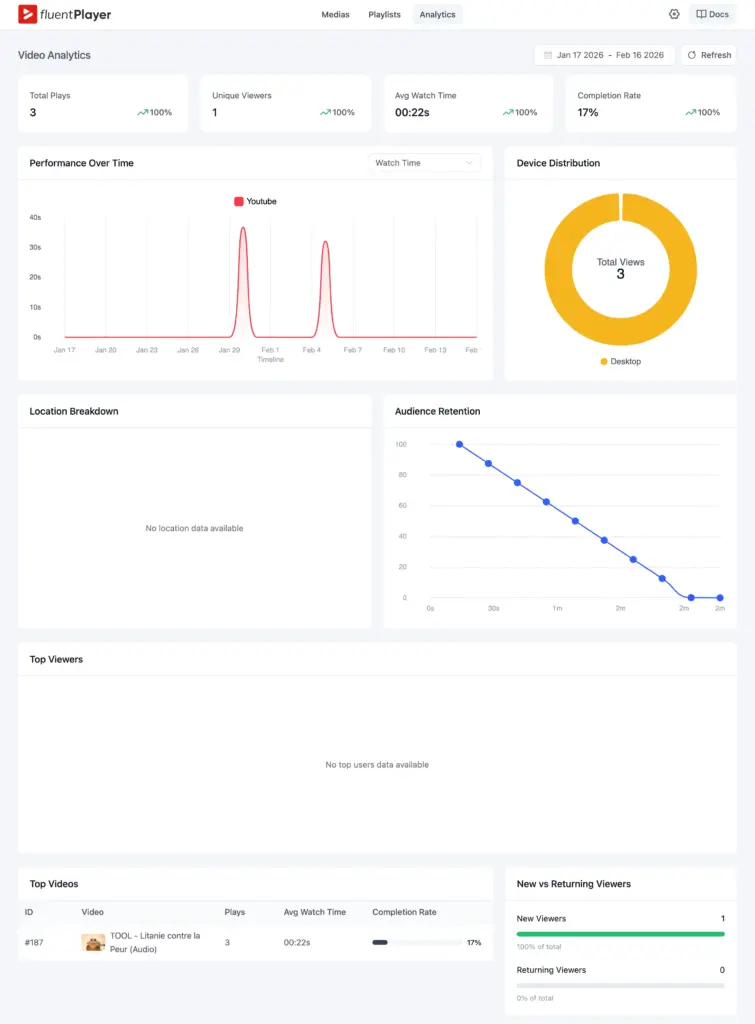
Total plays vs unique viewers reveals whether content went viral or went sticky. Average watch time pinpoints exactly where attention drops.
Completion rate tells you if your sales video or course module actually landed. Audience retention shows the slow sections you need to cut. Top viewers surfaces your most engaged users by name.
Top videos ranks content by real engagement, not just clicks. New vs returning tells you if you’re building an audience or just getting traffic.
Video stops being a black box.
Who should choose what
HTML5 Video Player makes sense if:
- You need battle-tested playback across formats and protocols
- Your videos are content to be delivered, not funnels to be measured
- Mature LMS integrations matter more than marketing automation
FluentPlayer makes sense if:
- You want video that captures leads and tracks engagement
- Connecting video to your CRM, email, or membership system matters
- You’d rather own the experience than depend on YouTube embeds
- You’re building courses or content journeys without wanting a heavy LMS
Final thought
Video is how the web communicates now. Some tools are refining how video plays. Others are rethinking what video does.
FluentPlayer is in the second category. It hasn’t shipped yet, and that means features will evolve. But the direction is clear: every video should behave like a page – trackable, optimizable, measurable.
If that’s the kind of video experience you’re looking for, FluentPlayer is worth watching.
Early access when we launch. A chance to shape what gets built.
FluentPlayer: Better control over videos

This is Sumit. He’s a physics major who’s trying to understand both the physical as well as the WordPress worlds. Whenever he’s not busy, plays fifa or spends time with his family.
Leave a Reply